Rendering liquid with AI: one drop of serum, four video models
The few seconds of serum spreading across skin in our concept ad MĪN. We tested four AI video models with the same prompt — then removed one setting and found the shot.
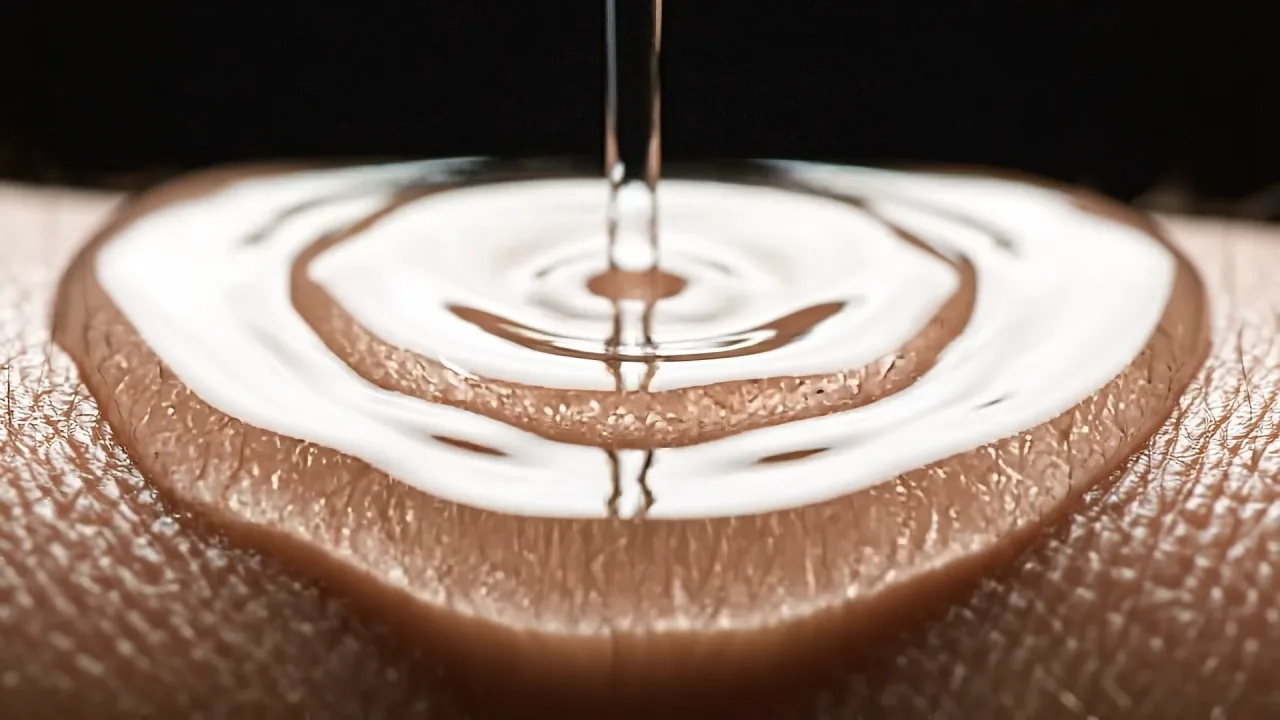
In MĪN, a concept ad for a minimalist cosmetics brand, the shot that took the most time was only a few seconds long.
A drop of serum, landing on skin and slowly spreading out.
Liquid is still one of the hardest things for AI
The flow, the surface tension, the way it settles on skin. If any of it feels slightly off, the “AI look” takes over instantly.
In a cosmetics ad, that matters even more. The viscosity of a serum, the way it melts into skin — that is the product’s credibility. If one drop looks fake, nobody believes the brand.
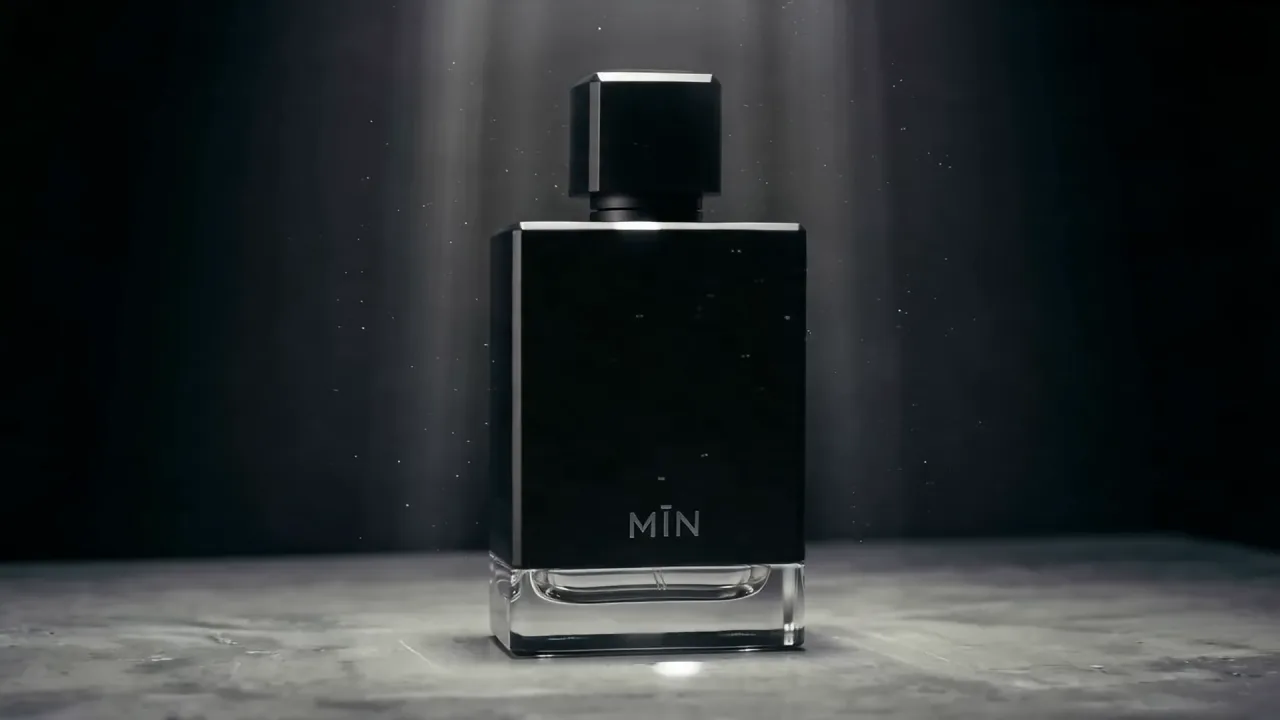 MĪN is a concept film built on “the beauty of subtraction,” made in 30- and 15-second versions.
Same prompt, four tools
I gave four AI video models the same prompt and the same reference image (the first frame). The results were completely different.
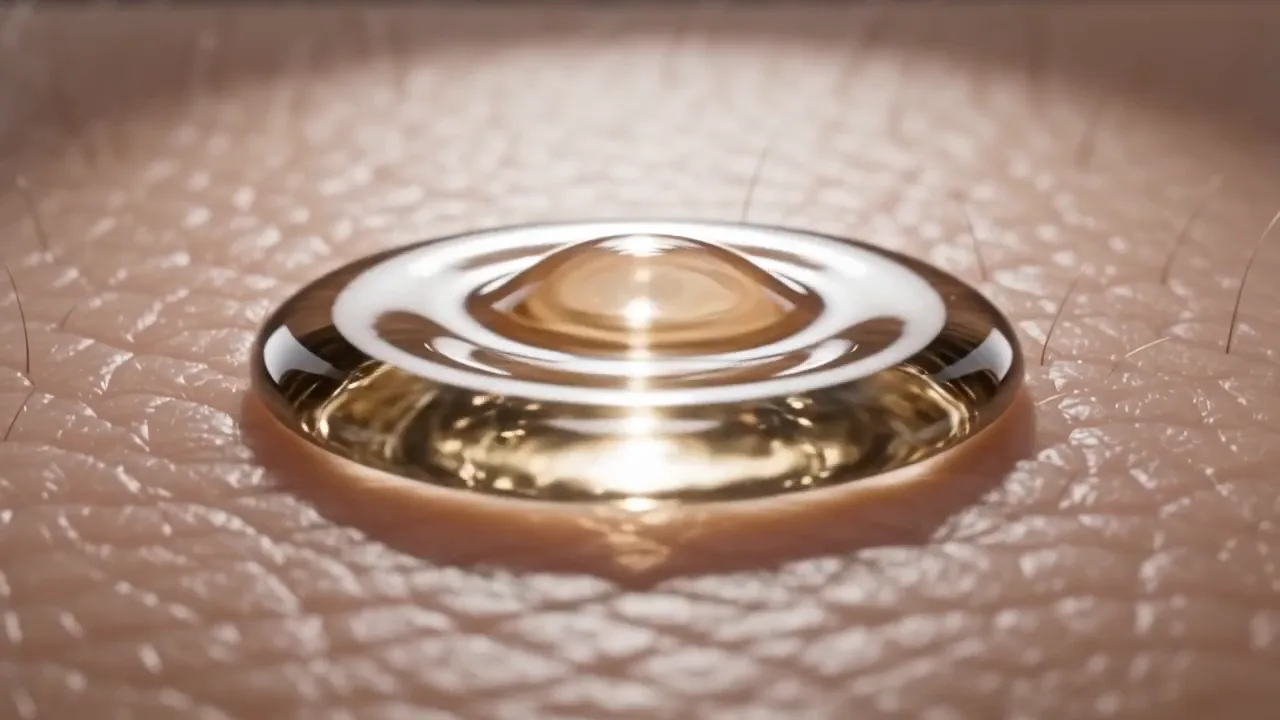
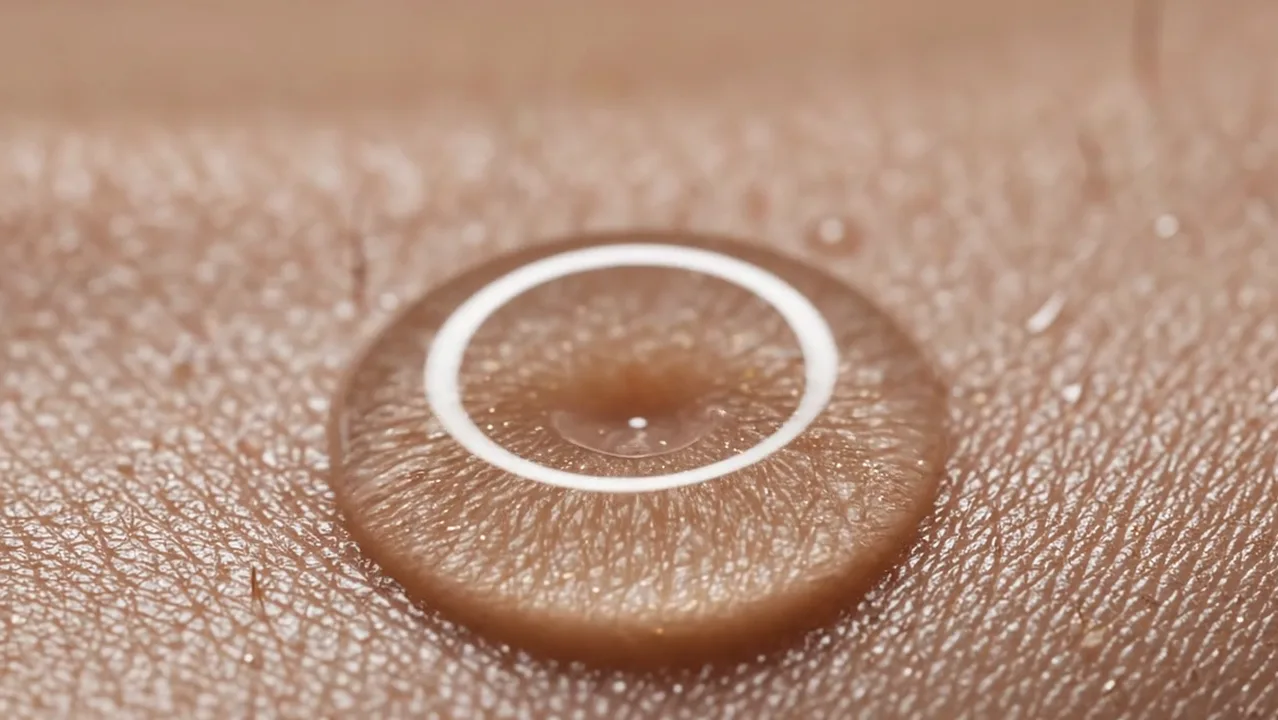
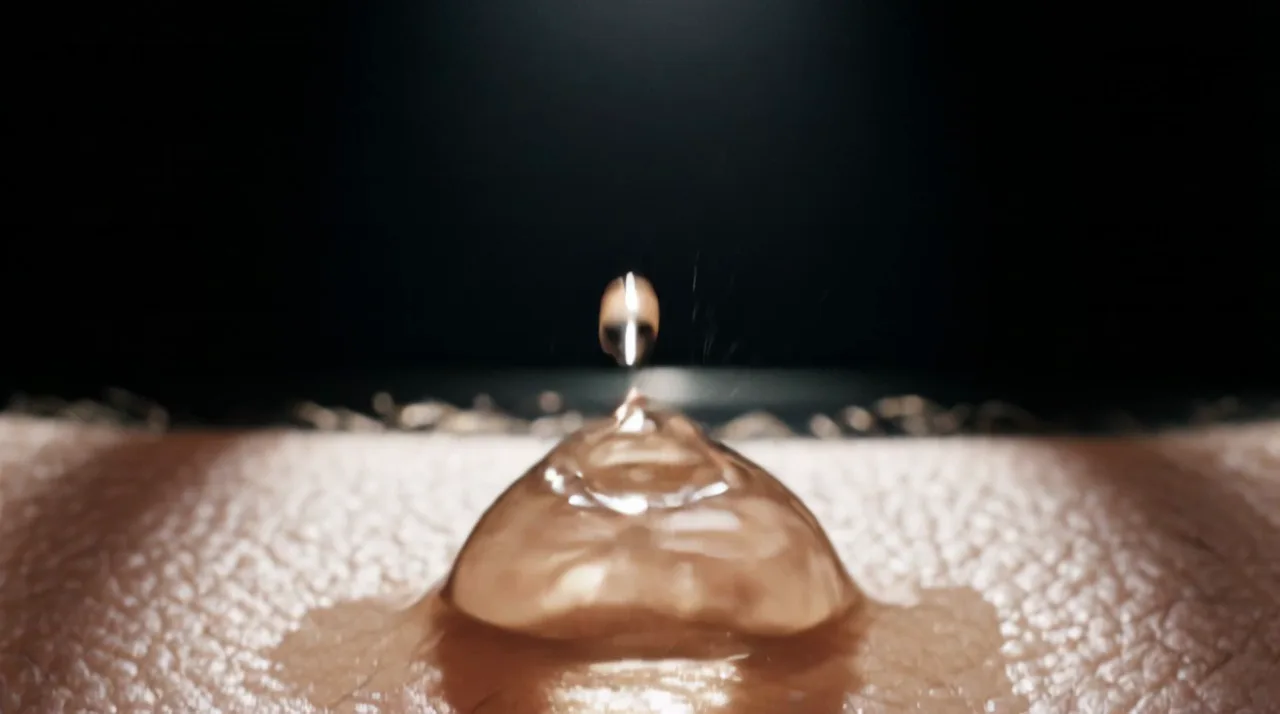
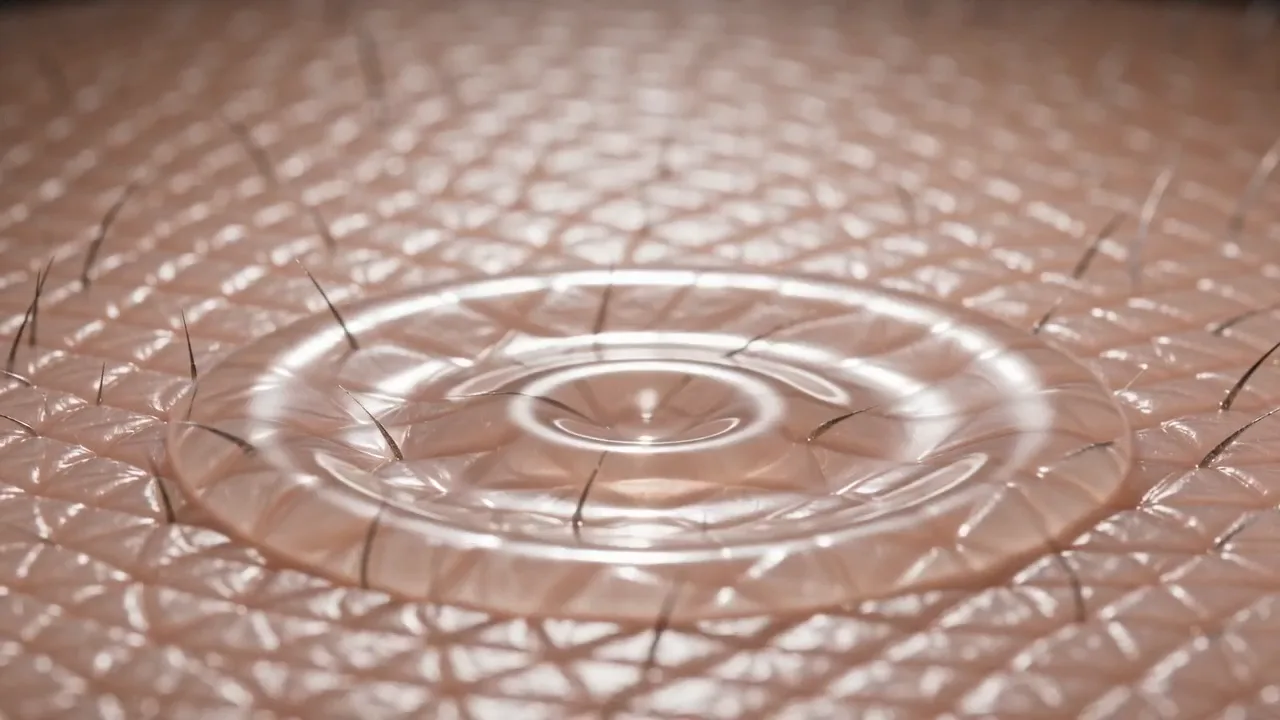
Each tool, same prompt and reference image, captured as the drop lands and starts to spread.
The point isn’t “which is strongest.” Want viscosity? Seedance or Veo. Want movement? Kling. What you want to express decides the tool.
At this stage, I had marked Veo as “slightly unnatural in motion.”
Remove the reference image, and the result flips
But there’s a sequel.
The Veo clip had been generated with the reference image loaded in. So I removed it and generated from the prompt alone. The liquid started moving naturally.
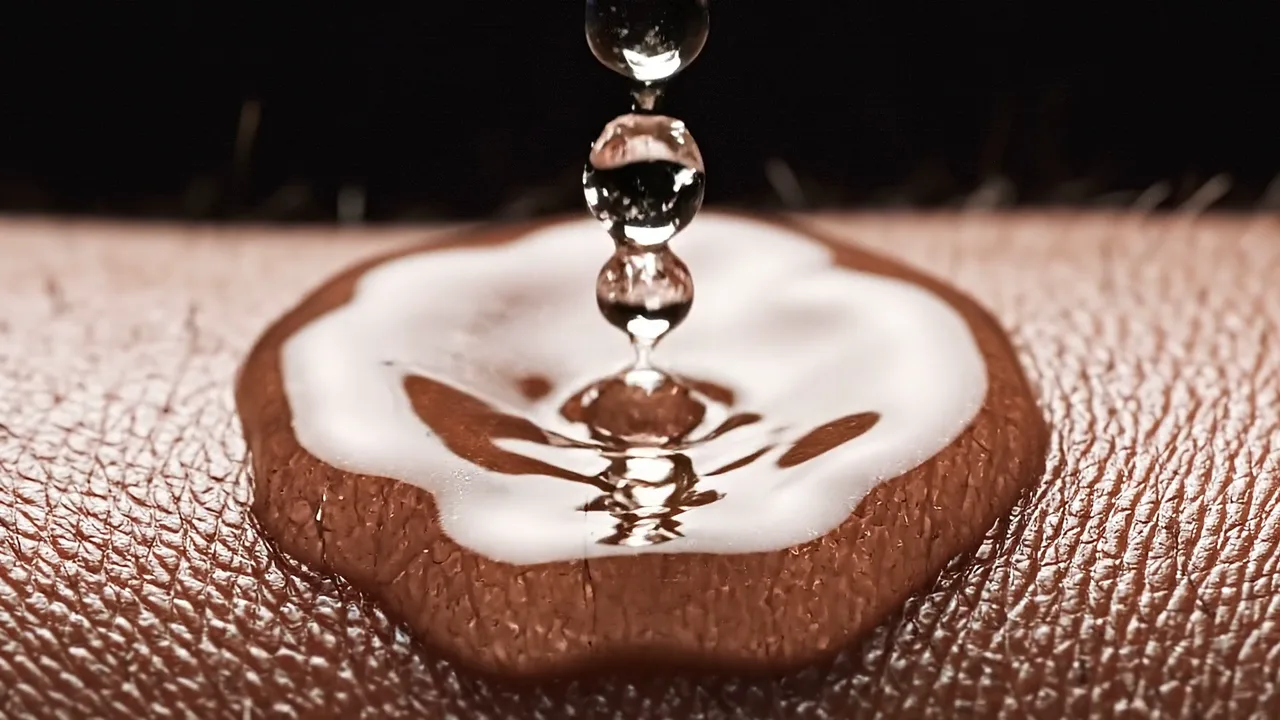
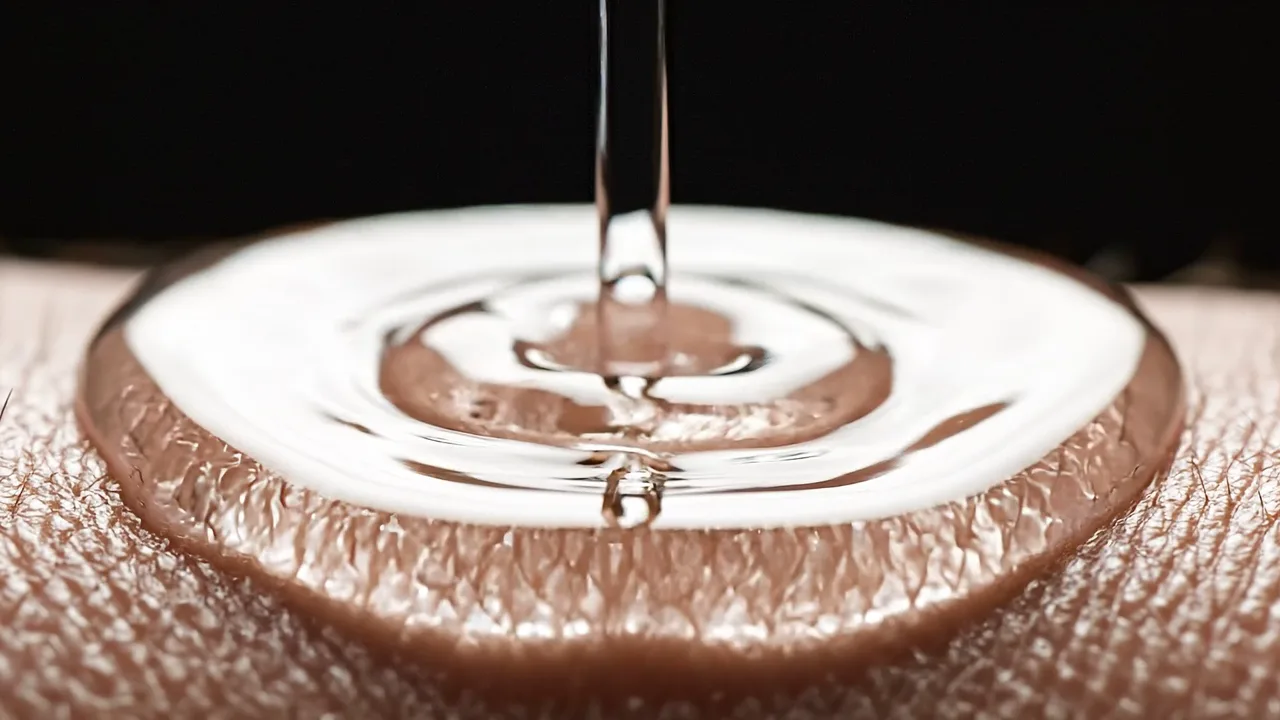
Same Veo 3.1 — only the reference image and the mode changed (all at the same moment).
Normally, fixing the first frame gets you closer to what you want. With fluid, the opposite happened. Locking the starting point was constraining the liquid’s natural motion — that’s the only explanation that fits.
Switching to Quality mode took both motion and texture another step up. The ripples spread the richest of any version.
The cut in the finished MĪN is exactly this one — the clip at the top of this note: Veo, prompt only, Quality mode, finished in 4K.
It’s less “which tool” than “how you use it”
Two things this project made clear:
- Choose the tool per shot. A film doesn’t have to be made with one tool. Rebuild the liquid shot with the tool that’s strongest at liquid.
- One setting can change everything. With the same tool, a reference image or a mode can flip the verdict.
The more tools we have, the more the result depends on two kinds of judgment: deciding first what you want to express, and knowing which tool and which setting fits each shot.
In a brand film, which detail can’t you compromise on? That’s where MINT JOURNEY starts designing.
You can watch the finished MĪN on the Works page.